DoodStream Image Issue (UPDATED 22/08/2026)
Quote from P1nkmanBitch on February 11, 2026, 2:51 pmDoodStream Image Display Issue
If you can’t see DoodStream thumbnails or preview images in my posts, or other users post,
don’t worry — the problem is usually caused by your browser settings or an extension.
🔒 DoodStream serves its images through protected external domains, and some tools may block them automatically, such as:
🚫 Ad blockers
🛡️ Privacy extensions
🌐 DNS filters
🔐 Strict browser security settings
This is not an issue with our website.
✅ How to Fix It
Please try the following:
Disable your ad blocker temporarily
Whitelist our website in your extensions
Allow third-party images in your browser
Open the page in Incognito/Private mode
Try a different browser
If the problem continues, feel free to contact us and tell us which browser and extensions you're using — we’ll be happy to help.
Thanks for your understanding! 🙌
DoodStream Image Display Issue
If you can’t see DoodStream thumbnails or preview images in my posts, or other users post,
don’t worry — the problem is usually caused by your browser settings or an extension.
🔒 DoodStream serves its images through protected external domains, and some tools may block them automatically, such as:
🚫 Ad blockers
🛡️ Privacy extensions
🌐 DNS filters
🔐 Strict browser security settings
This is not an issue with our website.
✅ How to Fix It
Please try the following:
Disable your ad blocker temporarily
Whitelist our website in your extensions
Allow third-party images in your browser
Open the page in Incognito/Private mode
Try a different browser
If the problem continues, feel free to contact us and tell us which browser and extensions you're using — we’ll be happy to help.
Thanks for your understanding! 🙌
Quote from P1nkmanBitch on April 10, 2026, 4:00 amHello. Today, April 9, 2026, Doodstream is experiencing problems with its image CDN again.
Apparently, they will be activating a new domain, as they have done in the past. As soon as the new domain is available, ALL posts from all forum users will be updated to point to the correct domain.
I take this opportunity to invite everyone to participate in the forum.
A new thread with exclusive content will be coming soon.
Regards.
Hello. Today, April 9, 2026, Doodstream is experiencing problems with its image CDN again.
Apparently, they will be activating a new domain, as they have done in the past. As soon as the new domain is available, ALL posts from all forum users will be updated to point to the correct domain.
I take this opportunity to invite everyone to participate in the forum.
A new thread with exclusive content will be coming soon.
Regards.
Quote from P1nkmanBitch on April 11, 2026, 4:40 amAll user posts have been updated to display the correct image from the new image CDN.
Regards
All user posts have been updated to display the correct image from the new image CDN.
Regards
Quote from P1nkmanBitch on June 9, 2026, 11:14 amThe Doodstream image CDN is down again. As soon as they fix the problem, we'll update the forum as needed for proper image display.
The Doodstream image CDN is down again. As soon as they fix the problem, we'll update the forum as needed for proper image display.
Quote from P1nkmanBitch on June 16, 2026, 2:41 pmQuote from P1nkmanBitch on June 9, 2026, 11:14 amThe Doodstream image CDN is down again. As soon as they fix the problem, we'll update the forum as needed for proper image display.
Problem solved. Enjoy!
Quote from P1nkmanBitch on June 9, 2026, 11:14 amThe Doodstream image CDN is down again. As soon as they fix the problem, we'll update the forum as needed for proper image display.
Problem solved. Enjoy!
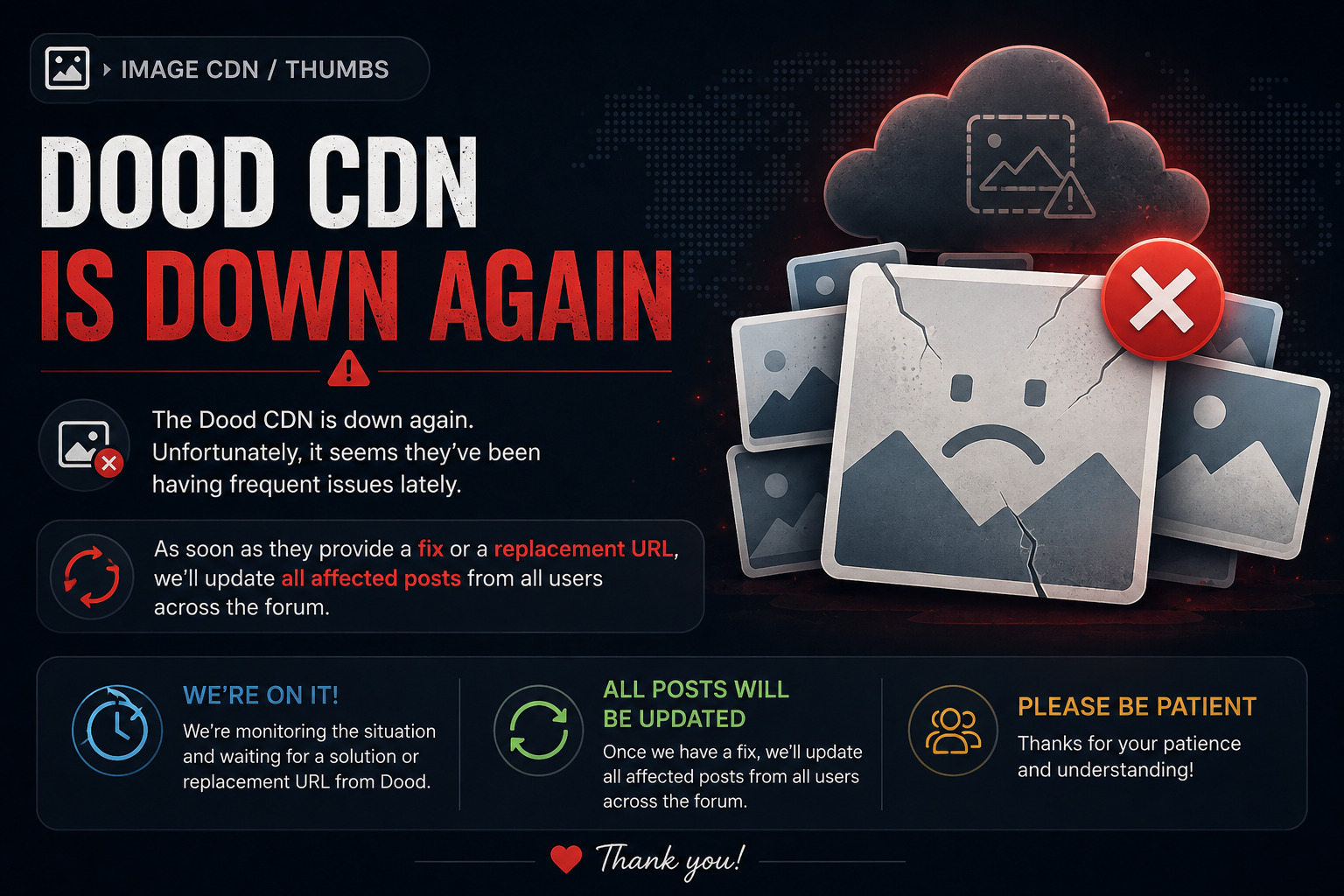
Quote from P1nkmanBitch on August 22, 2026, 7:01 amThe Dood image CDN is down again. Unfortunately, it seems they’ve been having frequent issues lately.
As soon as they provide a fix or a replacement URL, we’ll update all affected posts from all users across the forum.
Please be patient, and thanks for your understanding!
Regards,
The Dood image CDN is down again. Unfortunately, it seems they’ve been having frequent issues lately.
As soon as they provide a fix or a replacement URL, we’ll update all affected posts from all users across the forum.
Please be patient, and thanks for your understanding!
Regards,